Installer USB
How to create a bootable USB from an ISO on Windows
“Bootable USB from ISO” usually means one thing: you have an installer image and a flash drive, and you want that PC to start the setup. The dangerous versions of this job live in random websites that ask you to upload the ISO. Do the write on the machine that holds the files.
ISO to USB is not the same as “copy the ISO file onto the stick”
Dragging setup.iso onto a USB drive as a single file does not make a bootable installer. The firmware needs a partition layout, a bootloader, and usually an unpacked or specially written image. That is why people search for how to create a bootable USB from an ISO, not “how to copy an ISO to USB.”
Two different USB jobs in Disc Studio
Bootable USB copies the installer files onto the stick. You can format FAT32 first when you want a clean volume. This is the common “make a setup USB” path for Windows and many Linux images.
Windows To USB is a different button. It formats NTFS, applies sources\install.wim or install.esd with DISM, then runs bcdboot. Use it only when you intend to install Windows onto that drive, and only after you have confirmed the letter.
Steps
- Back up the USB. The write wipes it.
- Browse the ISO in Disc Studio so you know it looks like an installer.
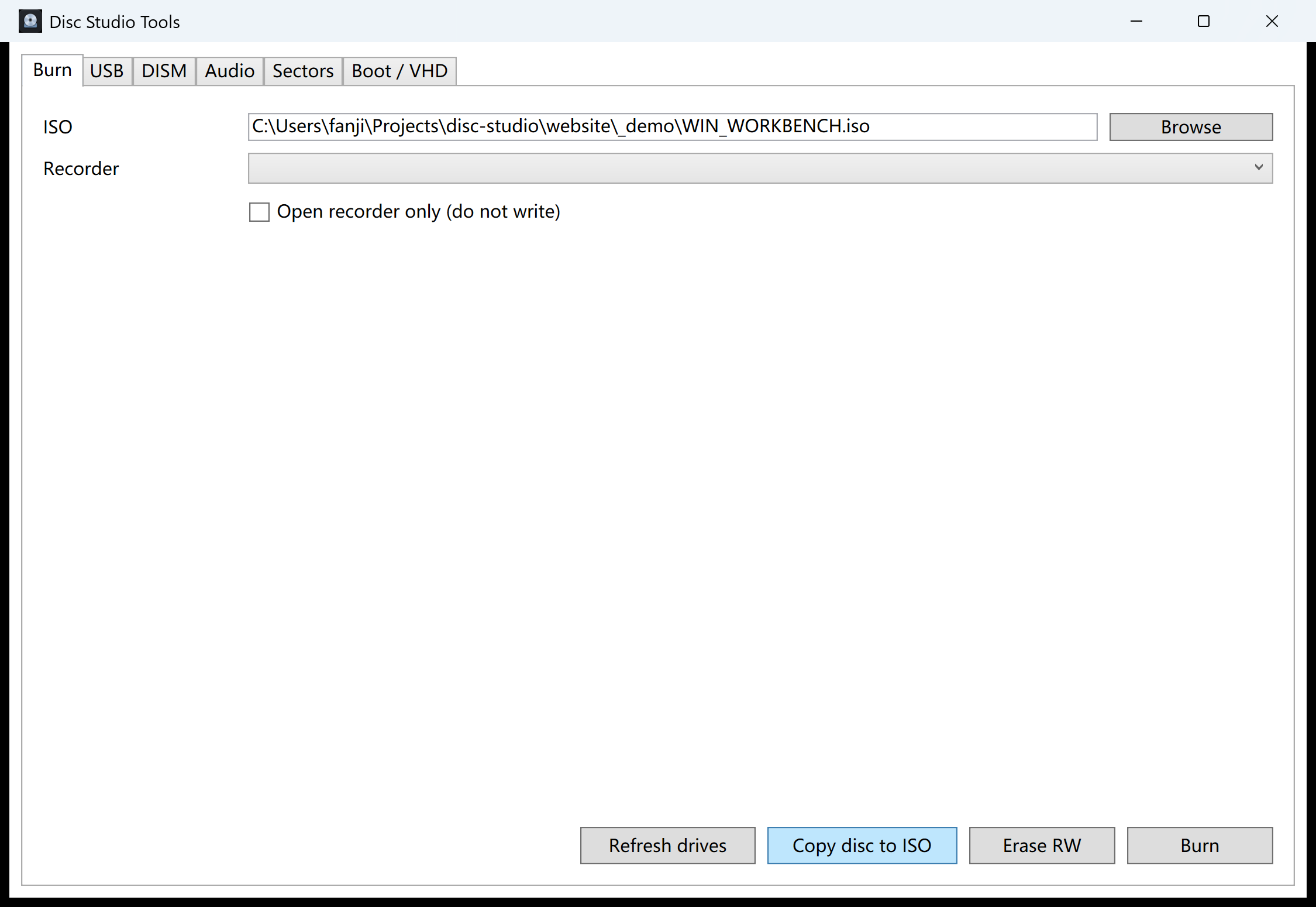
- Open Tools → Burn / USB / DISM / Audio. On the USB tab, pick the ISO and the flash drive, then Bootable USB.
- Boot the machine from USB and start setup.
Windows images versus Linux images
Windows setup ISOs often need extra handling for USB (WIM/ESD, files larger than 4 GB). Linux ISOs vary: some are hybrid and a raw write works; others expect a file copy. Disc Studio’s USB tools are for this local write. They are not a guarantee that every vendor ISO follows the same spec.
Safety
Never write to a disk you have not identified. A wrong letter can destroy a data drive. Disc Studio will not upload the ISO, but it also cannot undo a wipe. Confirm the label and size in the USB drive list before you click.
The current download is not Authenticode-signed, so Windows SmartScreen may warn on first run. That is a signing gap, not a hidden installer.
Questions people ask next
Can I make a bootable USB from ISO without Rufus?
Yes. Disc Studio includes USB write tools. Rufus is another local option. Avoid online “ISO to USB” sites.
Does this work for Windows 11?
If your ISO is a real Windows 11 setup image and the PC meets firmware requirements, yes. The app does not bypass Microsoft’s hardware checks.
Why is the USB not bootable?
Wrong ISO, leftover bits from a previous write, USB 3 vs 2 port quirks, or Secure Boot policy. Try another stick and verify the ISO checksum.
What is Windows To USB?
That button formats NTFS, applies install.wim or install.esd with DISM, then runs bcdboot. It is a Windows-to-go style install, not a simple file copy.