BIN/CUE conversion
How to convert BIN/CUE to ISO on Windows
A BIN file is raw disc sectors. The CUE sheet says how those sectors are laid out. Websites that ask you to upload both files are the wrong tool for a 700 MB CD image or a multi-gigabyte DVD dump. Convert BIN/CUE to ISO locally.
BIN/CUE is not “just a renamed ISO”
ISO usually means a Mode 1 data image with 2048-byte user sectors. BIN/CUE often stores 2352-byte raw sectors, plus a text map of pregap, audio, and data. If you rename .bin to .iso, Windows may mount nothing, or mount the wrong thing.
That is why “convert BIN CUE to ISO” is its own search. People already have the pair. They need a data ISO for a VM, a USB tool, or a program that only accepts .iso.
Mixed-mode discs
Some CDs mix a data track and CD audio. Disc Studio can list audio tracks as WAV (PCM) or raw BIN so you can extract them. The ISO you write from the data track will not magically become a Red Book audio CD. If you need the audio as files, extract the tracks first.
True CD-DA burning, CDDB, and CD-TEXT are not in this build. Extraction to WAV or BIN is the local path when you care about the audio, not a pretend audio ISO.
Steps
- Keep BIN and CUE together. Same folder, original names. Most cue sheets name the BIN with a relative FILE line.
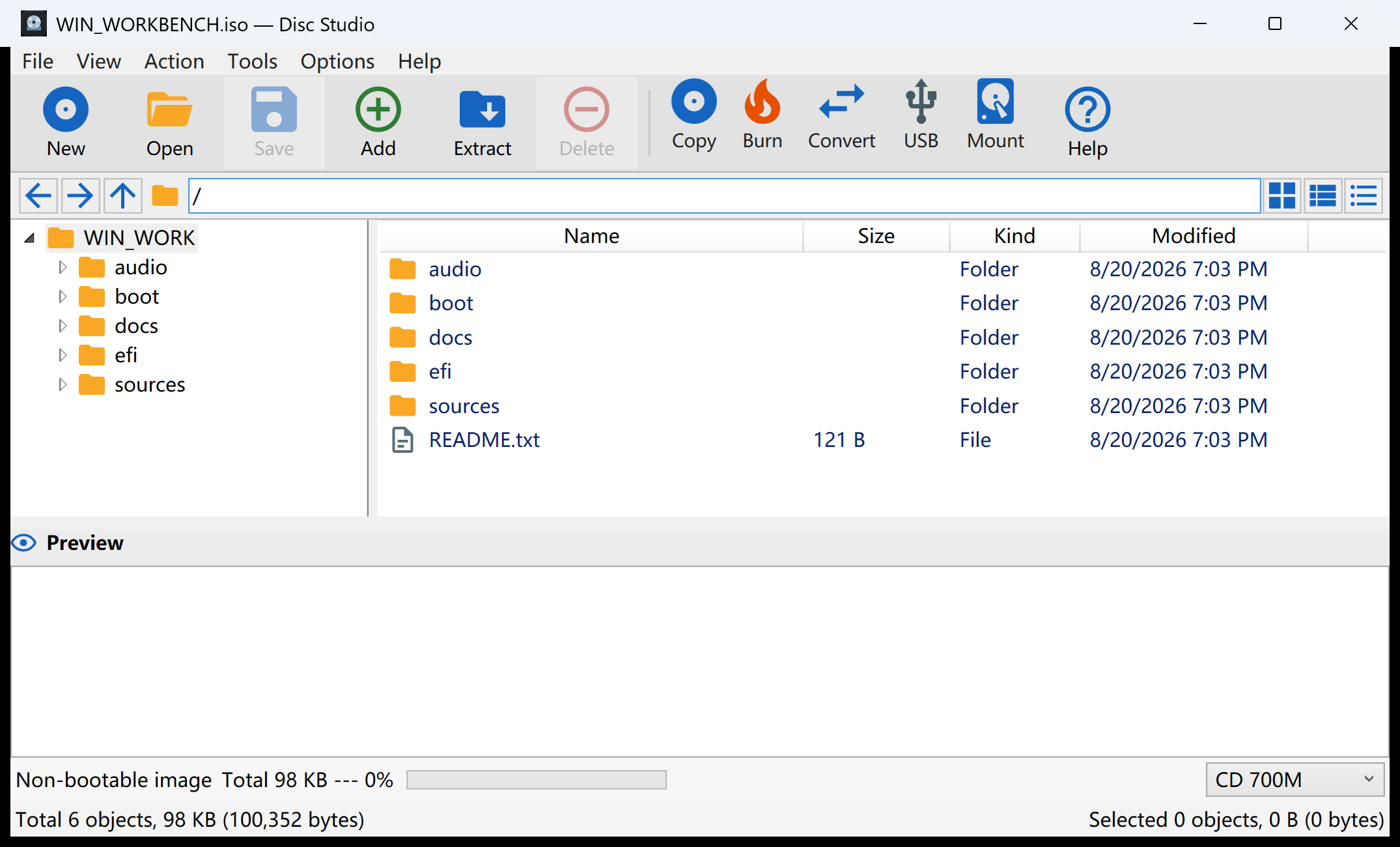
- Open the CUE in Disc Studio with File → Open Image.
- Convert or Save Image As ISO to a new path. Leave the BIN untouched until you have checked the ISO.
- Verify by opening the ISO. Extract audio separately if you need the tracks.
When to keep BIN/CUE instead
Keep the original pair if you care about raw 2352 dumps, or if you will write BIN/CUE back out. Disc Studio can also write BIN/CUE in 2048 or 2352 mode when that is the target, not only ISO.
If your dump is Nero NRG, Alcohol MDF, or CloneCD CCD instead of BIN/CUE, use the NRG / MDF / CCD guide. Those files are a different container with the same end goal: a regular ISO.
Questions people ask next
Should I upload BIN/CUE to a website?
No. A CD image is large and often personal. Convert it on the PC.
The CUE points at the wrong BIN name.
Edit the FILE line in a text editor to match the real BIN filename, then open the CUE again.
Can I convert ISO back to BIN/CUE?
Yes. Save or convert to BIN/CUE and choose 2048 or 2352 depending on whether you need raw sectors.
Why does renaming .bin to .iso fail?
BIN often stores 2352-byte raw sectors. ISO usually expects 2048-byte user data. A rename does not rewrite the layout.