WIA and existing files
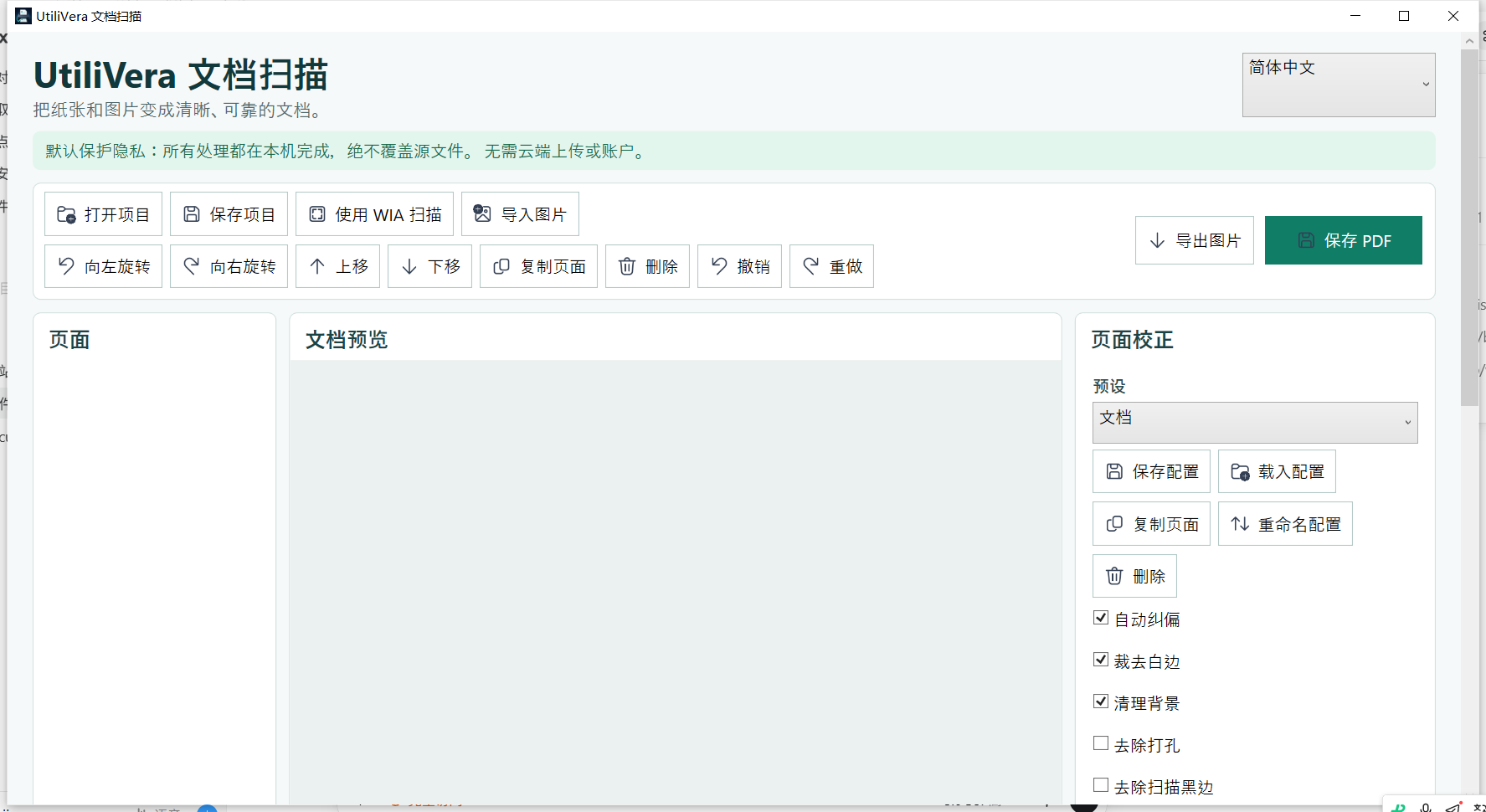
Select a WIA flatbed, feeder, or duplex source, or import images, multi-page TIFF, and PDF pages without a scanner.
Free offline document scanning for Windows
Scan, import, clean, recognize, organize, and archive documents in one private Windows workspace. Sources stay untouched; no page is sent to a cloud service.
0.5.2 · 79.51 MiB · Windows x64 · unsigned installer. Windows may show “Unknown publisher.” Download only from utilivera.com. If the download stops, retry this same official link; browsers with HTTP range support may resume, otherwise restart. Never run a partial file. SHA-256: F283C43FD3BD38F475A56E4707591436D5DE5EFBE64AC97A360938710ECAB180. Open the official verification guide.
Unsigned download: the installer is not code-signed, so Windows may show “Unknown publisher” or a reputation warning. Download only from utilivera.com and verify the SHA-256 checksum. Exact SHA-256: F283C43FD3BD38F475A56E4707591436D5DE5EFBE64AC97A360938710ECAB180. In PowerShell run Get-FileHash .\UtiliVeraScan-Setup-Windows-x64.exe -Algorithm SHA256. Independent installer Round 2 passed every internal engineering gate; trusted signing will be added after certificate approval.
One document pipeline
Select a WIA flatbed, feeder, or duplex source, or import images, multi-page TIFF, and PDF pages without a scanner.
Reorder a multi-selection by drag or keyboard, rotate, duplicate, reverse, interleave, and retain 60 persistent undo steps.
Deskew, crop white margins, clean paper backgrounds, remove punch holes, dark borders, and halftone patterns with cancellable previews.
Bundle English, Chinese, German, Spanish, French, Japanese, Korean, Portuguese, and Russian recognition without an upload or account.
Create searchable PDF, verified PDF/A-3u, or AES-256 encrypted PDF with permissions, Unicode metadata, and annotations.
Save DPAPI-protected .uvprofile settings, .uvscan projects, atomic CLI workflows, cancellation files, and transactional concurrent output.
A workflow that stays inspectable
Every destructive-looking action happens inside the workspace. Originals remain untouched, long operations are cancellable, and the final file is written atomically.
Real frozen interface
Independent release evidence
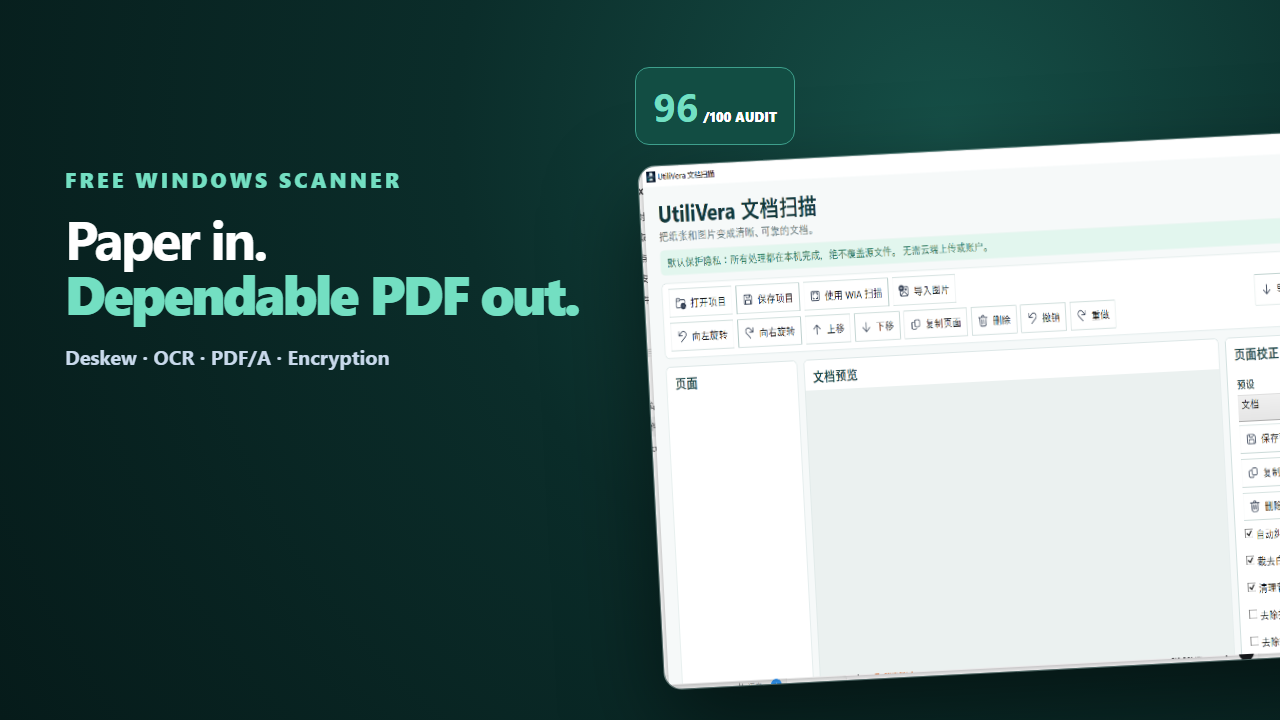
The product audit compared UtiliVera Scan against NAPS2, VueScan, PaperScan, ABBYY FineReader PDF, and Adobe Acrobat Pro across acquisition, cleanup, OCR, archival PDF, security, accessibility, localization, performance, and professional workflows.
Inspect the complete evidence index →Five high-intent Windows workflows
Acquire with WIA or import existing pages, then verify one private PDF.
Read guide →02Add a local OCR text layer and verify important names, dates, and amounts.
Read guide →03Order flatbed, feeder, duplex, and imported pages before one atomic save.
Read guide →04Deskew, crop borders, clean backgrounds, and remove punch holes locally.
Read guide →05Build a searchable PDF/A-3u record with metadata and deliberate validation.
Read guide →UtiliVera Scan 0.5.2
The unsigned public installer is available now. Windows may show “Unknown publisher”; download only from utilivera.com and verify SHA-256.