Capture the exact target
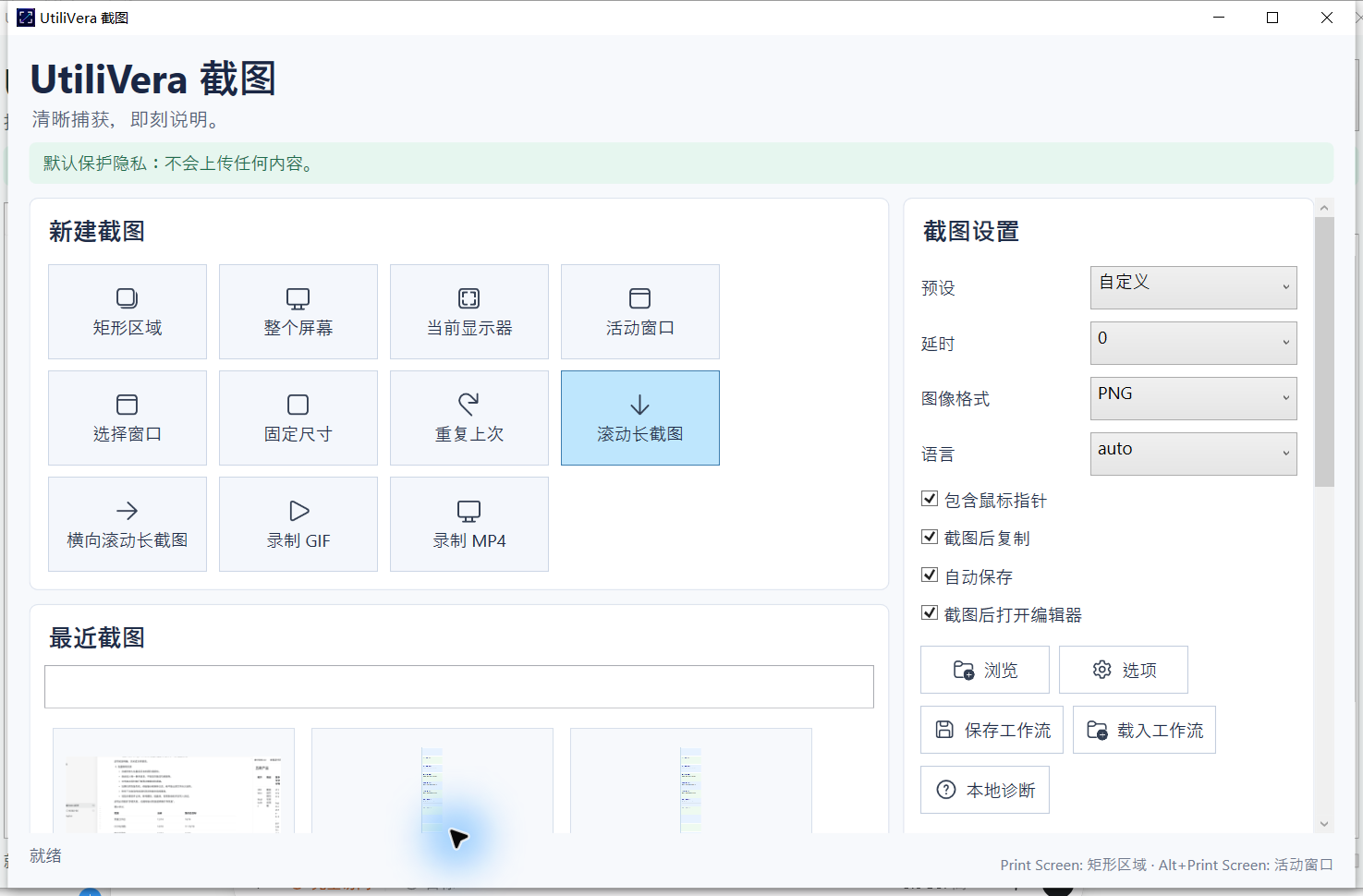
Choose a region, full virtual desktop, current monitor, active window, selected window, fixed size, or the previous region.
UtiliVera Capture for Windows
A compact, offline-first screenshot, scrolling capture, screen recording, OCR, and annotation workspace for Windows—built to preserve originals and protect private details.
Windows x64 · unsigned installer. Windows may show “Unknown publisher.” Download only from utilivera.com and verify SHA-256 before running.
Watch the 42-second tour Real interface · narrated · captionedRead the independent product audit Product: 95/100 · P0 0 · P1 0Unsigned download: the installer is not code-signed, so Windows may show “Unknown publisher” or a reputation warning. Download only from utilivera.com and verify the SHA-256 checksum. Exact SHA-256: 58F8957FD8DEE4ECB8EFE7F7C27832F59FA75FBCD275445F365F0E0EEE598284. In PowerShell run Get-FileHash .\UtiliVeraCapture-Setup-Windows-x64.exe -Algorithm SHA256. Independent installer Round 2 passed every internal engineering gate; trusted signing will be added after certificate approval.
One capture workspace
UtiliVera Capture combines precise acquisition, long-page stitching, native recording, recoverable annotation, local OCR, and automation without turning a small utility into a huge download.
Choose a region, full virtual desktop, current monitor, active window, selected window, fixed size, or the previous region.
Stitch vertical pages and horizontal boards with automatic overlap analysis, sticky-header handling, cancellation, and a 100-frame safety limit.
Create animated GIF or native H.264 MP4 for up to 30 minutes, with cursor control and optional system or microphone audio.
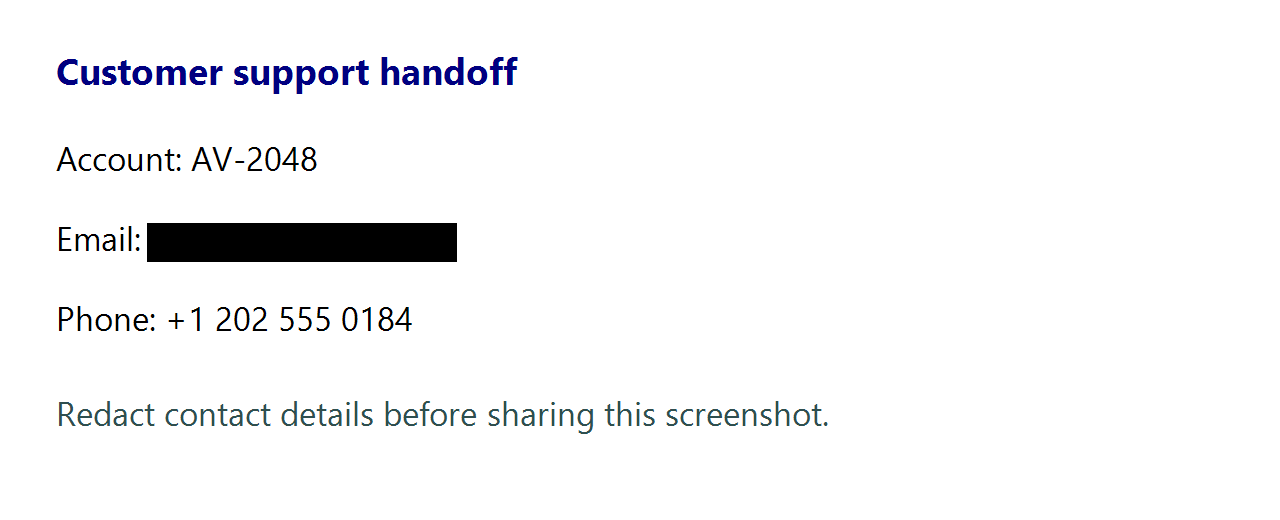
Crop, draw, add arrows, shapes, text, numbered steps, highlights, blur, pixelation, and permanent black redaction.
Run local Windows OCR, identify sensitive email regions, scan QR codes and barcodes, and keep every result on the PC.
Save .uvcap projects with canvas plus undo/redo history, reuse named capture profiles, search history, and automate the same paths from the CLI.
A capture-first safety model
A screenshot can become evidence, documentation, a bug report, or a public post. The app writes separate outputs, keeps editing history in a project, and distinguishes reversible blur from permanent black redaction.
Frozen-build evidence
Practical capture guides
Choose the right target, include or exclude the pointer, and save a clean local file.
Read guide →02Compare built-in Windows limits with an explicit Include cursor workflow.
Read guide →03Capture a long page or horizontal board without assembling fragments by hand.
Read guide →04Capture a short silent visual action locally and verify timing, privacy, and playback.
Read guide →05Know when blur is enough for presentation and when permanent black redaction is safer.
Read guide →06Create H.264 MP4 with synchronized AAC system sound or microphone input.
Read guide →Questions, answered
The application and installer audits passed. The current public installer is unsigned and its exact checksum is published.
Yes. Version 0.6.0 is freeware for personal, educational, nonprofit, and commercial work.
No. Capture, stitching, H.264/AAC encoding, OCR, barcode scanning, projects, and export run on the Windows PC.
Yes. It supports vertical and horizontal scrolling capture with overlap analysis and a bounded frame limit.
Yes. The independent audit verified three consecutive H.264 plus AAC system-audio runs, a microphone run, and a silent-video mode.
The current installer is unsigned while the trusted certificate is being approved. Download only from utilivera.com and verify its published SHA-256 checksum.
UtiliVera Capture 0.6.0
The unsigned public installer is available now. Verify the checksum before running it; trusted signing will be added after certificate approval.
View download and checksum →