Prove exact duplicates
SHA-256 narrows candidates, then a byte-for-byte check proves that two files really contain the same data.
UtiliVera Duplicates for Windows
A compact, offline duplicate manager that proves exact matches, keeps approximate media review-only, and makes every cleanup reversible.
Windows x64 · unsigned installer. Windows may show “Unknown publisher.” Download only from utilivera.com and verify SHA-256 before running.
Watch the 42-second tour Real interface · captionedRead the independent product audit Product: 99/100 · P0 0 · P1 0Unsigned download: the installer is not code-signed, so Windows may show “Unknown publisher” or a reputation warning. Download only from utilivera.com and verify the SHA-256 checksum. Exact SHA-256: 81654330CE07F634AAF3FD29B742B0E401AF8E5849E4EE13EBF357889DEECA34. In PowerShell run Get-FileHash .\UtiliVeraDuplicates-Setup-Windows-x64.exe -Algorithm SHA256. Independent installer Round 2 passed every internal engineering gate; trusted signing will be added after certificate approval.
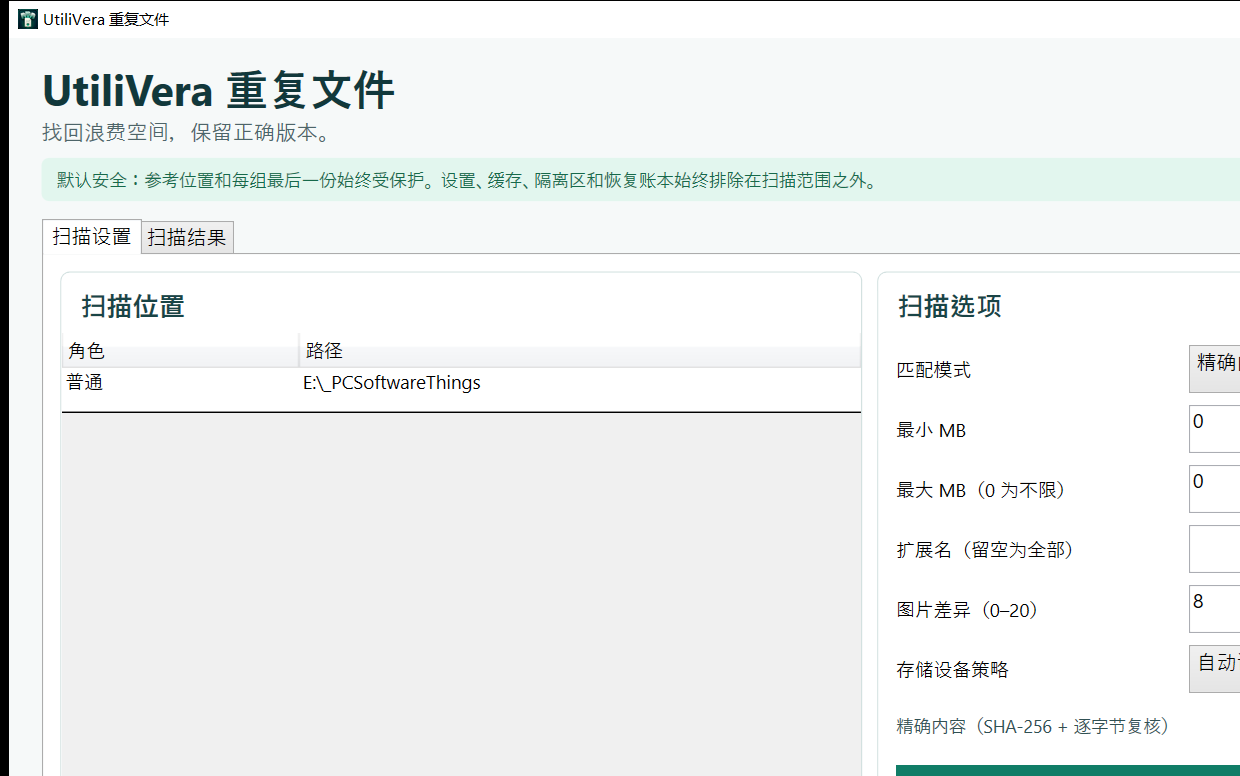
See the complete safety model
The tour uses real 0.9.0 application captures and shows the boundary between exact proof, review-only similarity, keeper protection, and recoverable cleanup.
Broad enough for real collections
Every mode states whether it proves identical content or only suggests a match for human review.
SHA-256 narrows candidates, then a byte-for-byte check proves that two files really contain the same data.
Find resized or rotated photos, matching audio, and related video frames without treating approximate matches as safe to auto-delete.
Protect reference folders, keep the newest, oldest, shortest path, or a name-pattern match, and see the reason beside every decision.
Use the Recycle Bin or a verified quarantine ledger. Restore returns the file to its original path and verifies its contents.
Keep both paths while reclaiming physical storage. A durable recovery ledger can reconstruct independent copies later.
Save profiles and sessions, reuse a persistent hash cache, export CSV/JSON/HTML, or automate scans through the CLI.
Deletion is the last step
UtiliVera separates discovery, selection, planning, and mutation. Similar photos, audio, video, names, and folders remain review-only. Only byte-verified exact groups can enter automatic cleanup.
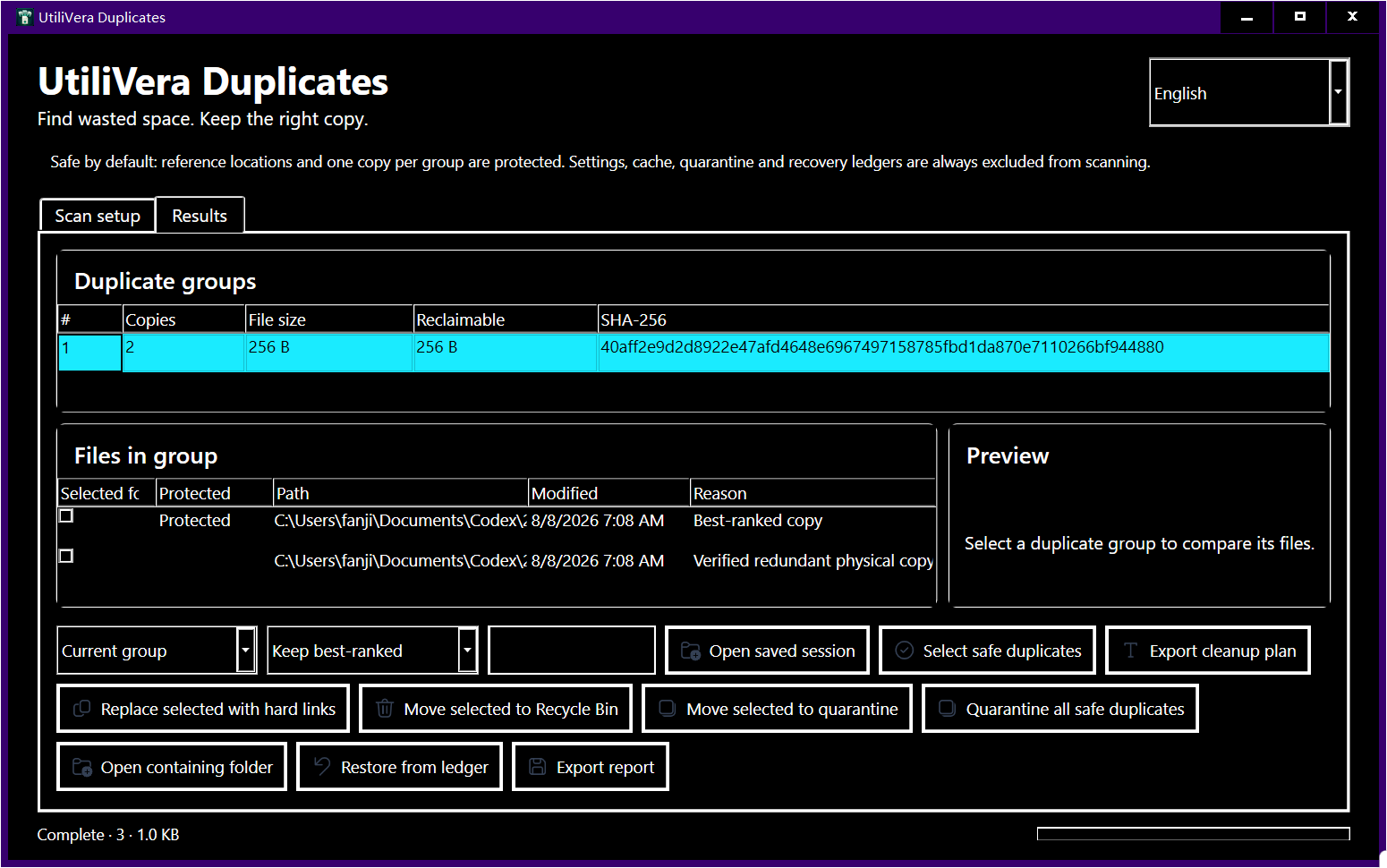
The independently audited interface
Practical duplicate-file guides
Scan removable storage safely while keeping a trusted reference copy protected.
Read guide →02A backup-first cleanup workflow that always keeps one verified copy.
Read guide →03Separate exact copies from similar, resized, rotated, or re-encoded photos.
Read guide →04Compare tags, decoded audio fingerprints, and exact file bytes without mixing the results.
Read guide →05The safety and verification questions to ask before deleting anything.
Read guide →06Reclaim disk space while keeping both paths, with a tested rollback plan.
Read guide →Questions, answered
The product and installer audits passed. The current public installer is unsigned and its exact checksum is published.
Yes. Version 0.9.0 is freeware for personal, educational, nonprofit, and commercial work.
No. Scanning, hashing, previews, cleanup planning, and restoration run on the Windows PC.
No. Approximate image, audio, video, file-name, and folder matches are review-only. Automatic selection is limited to exact byte-verified groups.
Recycle Bin and quarantine workflows are recoverable. Hard-link replacement creates a durable ledger that can reconstruct independent verified copies.
Windows 10 or 11 x64 with Microsoft .NET Framework 4.8. The installer checks this prerequisite before copying files.
The current installer is intentionally released before the trusted certificate is approved. Download only from utilivera.com and verify its published SHA-256 checksum.
UtiliVera Duplicates 0.9.0
The unsigned public installer is available now. Verify the checksum before running it; trusted signing will be added after certificate approval.
View download and checksum →