Recognize without uploading
Use Windows OCR language resources already installed on the PC. Documents stay local and source files are never overwritten.
UtiliVera OCR for Windows
A lightweight, local-first OCR review workspace for images and PDFs—built to correct uncertain words, repair document structure, and export reusable results.
Windows x64 · unsigned installer. Windows may show “Unknown publisher.” Download only from utilivera.com and verify SHA-256 before running.
Watch the 42-second tour Real interface · narrated · captionedRead the independent product audit Product: 100/100 · P0 0 · P1 0Unsigned download: the installer is not code-signed, so Windows may show “Unknown publisher” or a reputation warning. Download only from utilivera.com and verify the SHA-256 checksum. Exact SHA-256: FDA752CEB1770C85463B715D4D09FEC6E96FBB45A5B9A769EF4BB0994C6F72BB. In PowerShell run Get-FileHash .\UtiliVeraOCR-Setup-Windows-x64.exe -Algorithm SHA256. Independent installer Round 2 passed every internal engineering gate; trusted signing will be added after certificate approval.
Recognition is only the beginning
One page→region→line→word model keeps corrected text, geometry, reading order, and tables consistent across editable, structured, searchable, and archival output.
Use Windows OCR language resources already installed on the PC. Documents stay local and source files are never overwritten.
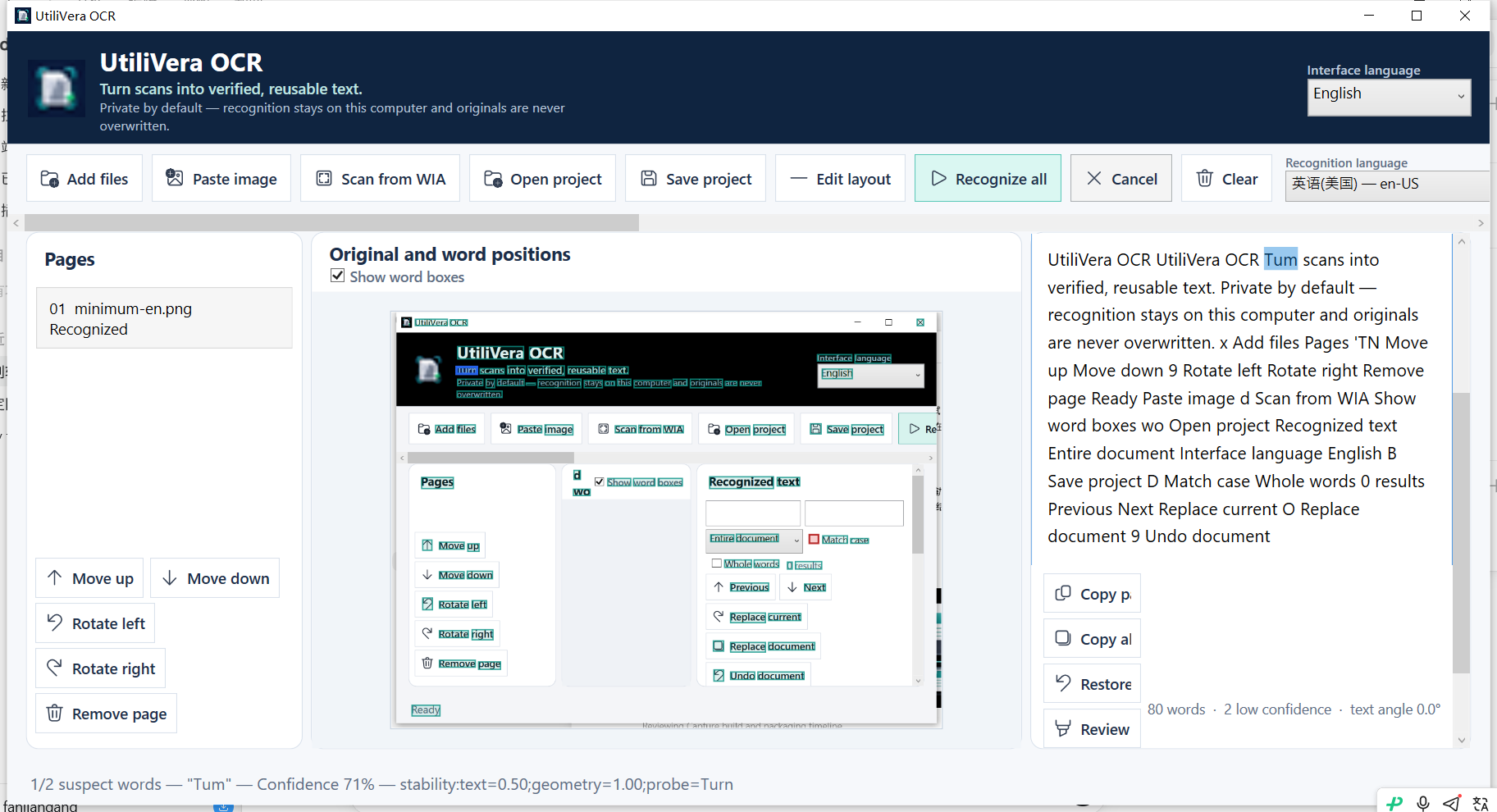
Click recognized text to locate it on the page, show word boxes, and step through low-confidence words with an explained score.
Correct region type, boundary, reading order, lines, and table structure before the same document model reaches every export.
Compare enhancement, deskew, perspective correction, crop, grayscale, black-and-white, denoise, DPI, and quality settings before recognition.
Create TXT, Markdown, HTML, CSV, TSV, JSON, RTF, DOCX, XLSX, hOCR, ALTO XML, searchable PDF, and tagged PDF/A-3u.
Save a complete .uvocr project, batch folders, monitor an inbox, schedule a job, select page ranges, or run the same workflow from the CLI.
A review-first OCR workflow
Recognition accuracy depends on the installed language resource and the input. UtiliVera keeps the page, word boxes, confidence evidence, corrected text, and layout together so users can verify what matters before export.
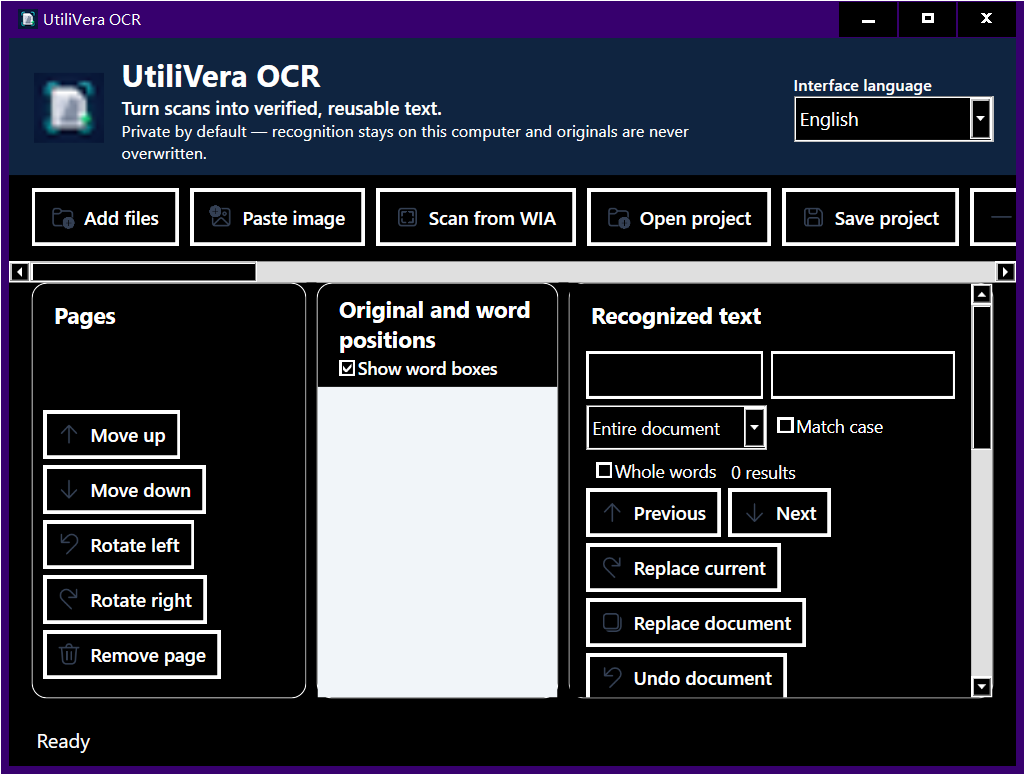
The independently audited interface
Practical OCR guides
A local workflow for screenshots, phone photos, scans, and multipage image files.
Read guide →02Review OCR first, preserve page images, and create editable text and tables.
Read guide →03Add an aligned text layer while preserving the visible page and checking the result.
Read guide →04Paste a capture, recognize it locally, and verify ambiguous words before copying.
Read guide →05Correct the table region and export a structured XLSX instead of a flattened paragraph.
Read guide →Questions, answered
The product and internal installer engineering passed. The current installer is public but unsigned.
Yes. Version 0.7.0 is freeware for personal, educational, nonprofit, and commercial work.
No. Recognition, review, project storage, preprocessing, and export run on the Windows PC.
The app lists OCR language resources installed in Windows. Its interface itself supports ten languages and follows the system language on first launch.
Yes. It creates searchable PDF and tagged PDF/A-3u, and it can copy an untouched digital PDF when OCR would only reduce fidelity.
The current installer is unsigned while the trusted certificate is being approved. Download only from utilivera.com and verify its published SHA-256 checksum.
UtiliVera OCR 0.7.0
The unsigned public installer is available now. Verify the checksum before running it; trusted signing will be added after certificate approval.
View download and checksum →