UtiliVera Image field guide
WebP vs AVIF vs JPEG: Which Image Format Should You Use?
There is no universal winner. JPEG maximizes compatibility, WebP combines mature browser support with transparency and animation, and AVIF offers modern compression and color capabilities at a higher encoding cost. Choose for the destination, not from one quality number.
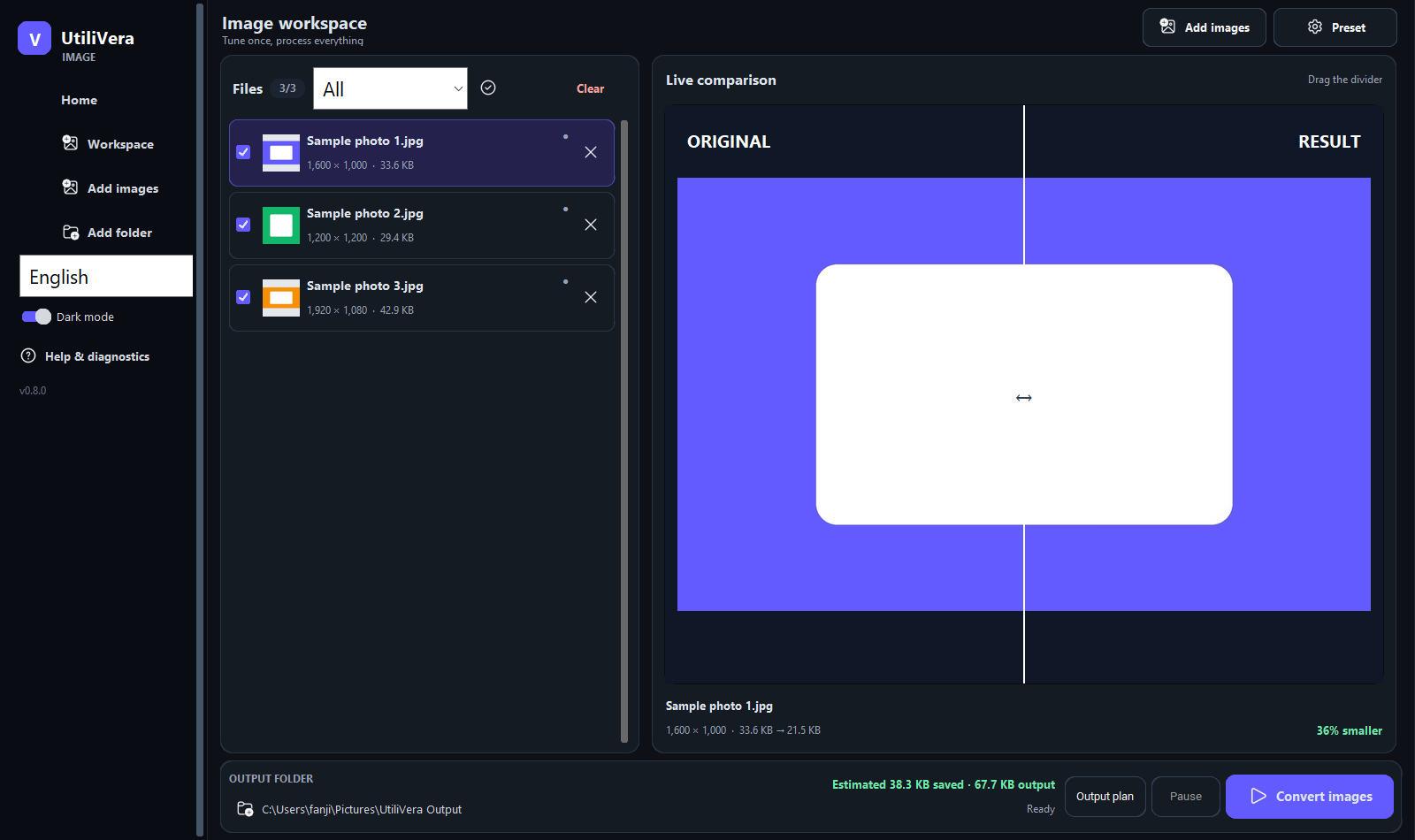 Open the full-size interface image
Choose JPEG when compatibility is the first constraint
JPEG is the safest delivery choice for photographs that must open in old desktop software, email clients, print workflows, and upload forms. It encodes and decodes quickly and can carry ICC and common metadata.
JPEG does not support transparency or animation. It is also a poor master for repeated edits because each lossy generation can add artifacts. Keep the camera original or a lossless source.
Choose WebP for a balanced web default
WebP supports lossy and lossless compression, alpha transparency, animation, EXIF, XMP, and ICC data. Google documents native support across major browsers and publishes a reference library and command-line tools.
Use WebP when your publishing system, image CDN, editor, and target audience all handle it correctly. A JPEG source converted to high-quality lossless WebP can become larger, so compare real outputs rather than assuming the newer format always wins.
Choose AVIF when size and modern features justify the cost
AVIF is based on AV1 image coding and supports modern image sequences, color, transparency, and high dynamic range workflows. It can be extremely compact for photographs, but encoding is commonly slower and older desktop tools may be less convenient.
Use it for controlled web delivery where your pipeline generates and validates fallbacks. For fast editorial iteration, bulk desktop interchange, or a mixed legacy audience, WebP or JPEG may be the lower-risk choice.
Run a destination-first comparison
Export all candidates at the same dimensions. Compare the full image at its intended display size, then inspect detailed crops at 100%. Record bytes, encoding time, transparency, animation, metadata, color, and whether the actual destination accepts and displays the file correctly.
Do not treat quality 80 as equivalent across codecs. Instead, adjust each encoder until the outputs have comparable visual quality, then compare file size and workflow cost. Keep one master and generate delivery formats from it.
Primary sources
Frequently asked questions
Which format should I use for email?
JPEG is the safest choice for photos. Use PNG for diagrams or transparency when its larger size is acceptable.
Which format is best for a website?
WebP is a strong general default; AVIF can be smaller for some content. Use fallbacks and test your CMS, browser audience, and image pipeline.
Which format should I archive?
Keep the camera original or a well-defined lossless master. Delivery formats should not replace archival sources.
Continue the real workflow
Choose the next UtiliVera tool by task
Current UtiliVera release
Verify the download before the full job.
The public build is unsigned. Download only from utilivera.com and check the published SHA-256.
View unsigned download details