Folder to ISO
How to create an ISO from a folder on Windows
Windows will not turn a folder into an ISO from Explorer. The usual answers are oscdimg from the Windows ADK, a PowerShell gist, or a website that asks you to upload the folder. Create the image on the PC that already has the files.
Explorer cannot save a folder as ISO
Sending a folder to a ZIP is not the same job. A virtual machine, a USB tool, or a disc recorder wants an ISO: a volume label, a filesystem, optionally a boot image. Explorer has no “Save as ISO”.
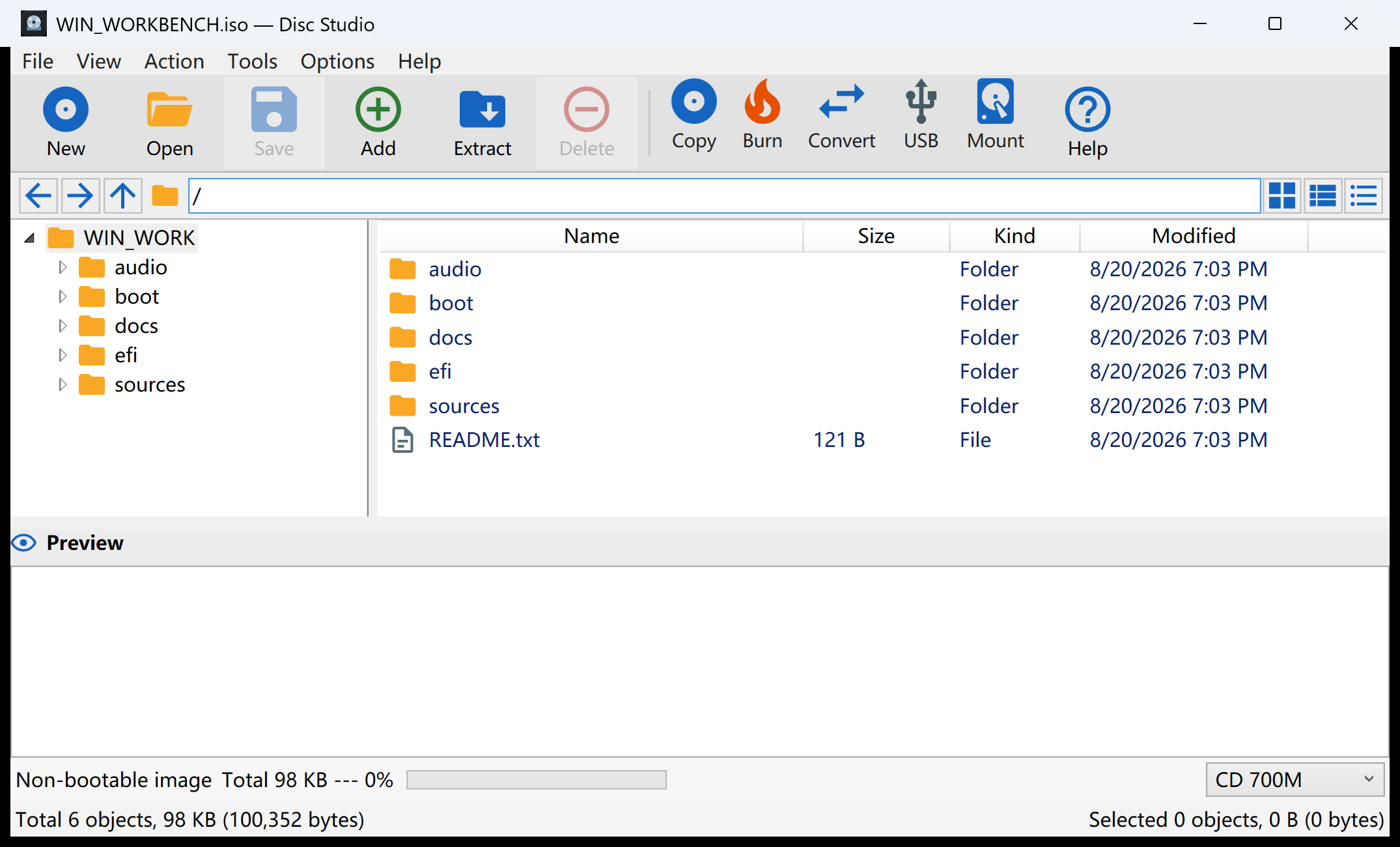
oscdimg from the Windows ADK works. It is also a kit most people do not want to install for one folder. Disc Studio’s path is the host pane plus Tools → Create Image from Files.
Steps
- Show the host pane. View → Host Pane. Browse to the folder you want inside the ISO.
- Select that folder or the files inside it. The command refuses to run until something on the host pane is selected. Right-click → Create Image also works.
- Create Image from Files. Tools → Create Image from Files. Set the output to
.iso, type a volume label, leave Joliet on for long Unicode names. Tick UDF if you need Windows IMAPI2 UDF as well. Add a boot image only if the folder is already a bootable tree. - Open the new ISO once. Confirm the files are there. Then mount, burn, or write a USB installer if that is the next job.
ISO versus DSIM
The same dialog can write .dsim. That is Disc Studio’s own container (zstd, optional AES-GCM). It is not PowerISO DAA, and other programs will not open it. Use .iso when you need a regular disc image.
What this will not invent
A folder of documents does not become a bootable Windows installer just because you picked ISO. Boot needs the original boot files. If you only needed to change two files inside an existing installer, edit that ISO instead of rebuilding the tree.
Questions people ask next
Can Windows create an ISO from a folder without extra software?
Not from Explorer. The ADK’s oscdimg can. Disc Studio does it from the host pane.
Should I upload the folder to a website?
No. A project folder is often personal or large. Build the ISO on this PC.
Do I need a boot image?
Only if the folder is supposed to start a PC. A documents backup does not.
ISO or DSIM?
ISO for anything another tool must open. DSIM is Disc Studio’s format, not DAA.